Last Updated on August 8, 2026 by KM-nerd
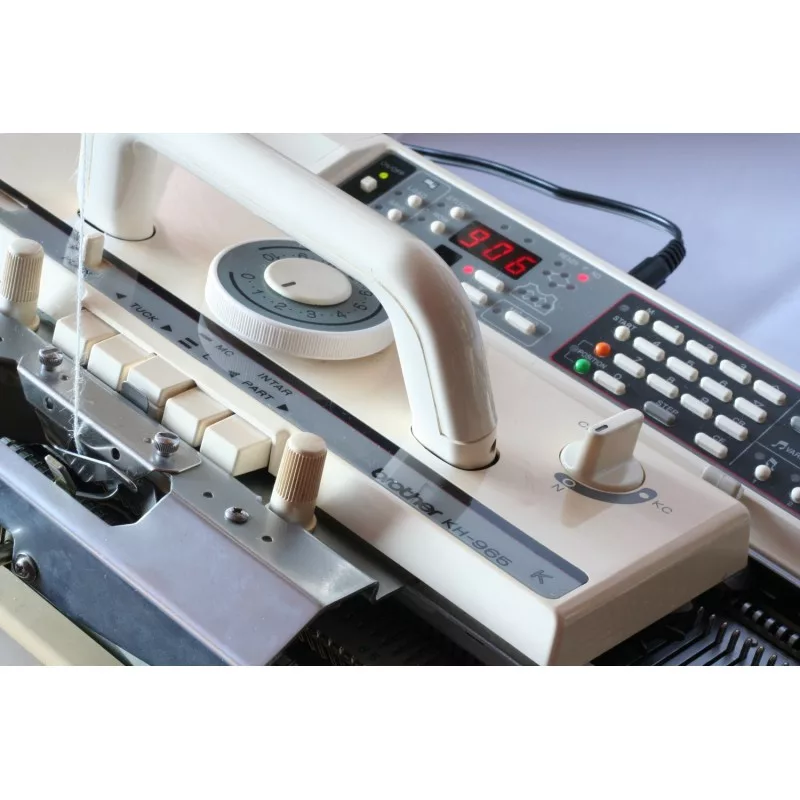
Brother Electroknit KH965 knitting machine is a knitting machine capable of needle selection and patterning with an electronically controlled drive. (You still need to move the handle of the knitting carriage by yourself unless you have a motor.)
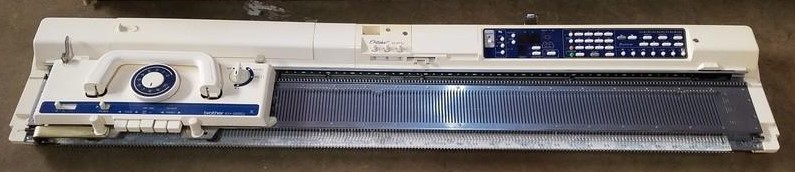
This wonderful machine was released to the market in 1992 by Brother. It has 200 needles like all Brother standard-gauge knitting machines.
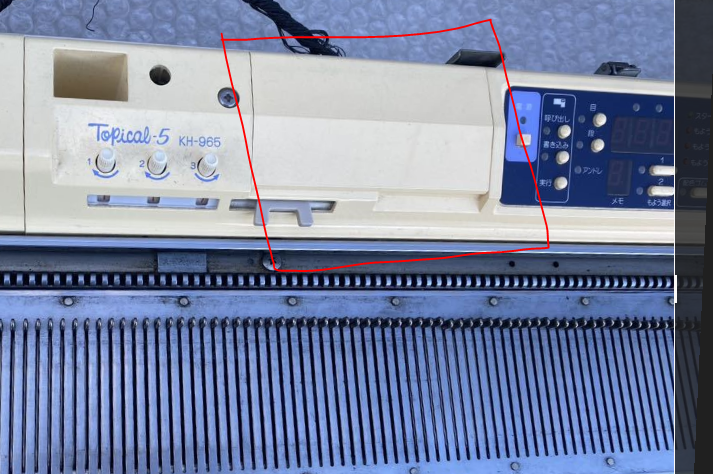
Besides KH965, it can come under various names, such as Topical 5 and KnitKing V. (There is a lot of confusion about the differences between KH965 and KH965i and even KH965e). Being under different brand names, the color combos of the machines are slightly different too, even though all the functionalities are the same. Except: Brother KH965i has slightly advanced functionality (read about it in my other blog). Brother KH965 has enough storage for 615 patterns. It can also accept patterns for storage through internal cables so you can create custom patterns.
Brother KH965 Topical 5 was released to the Japanese market, and thus, all writing on the carriage and control panel is in Japanese. Topical-5 KH965 version has similar selection dial functions on the carriage (KCII and KCI); thus, if you have a Japanese KH965, just find a picture of a KH965 carriage in English.
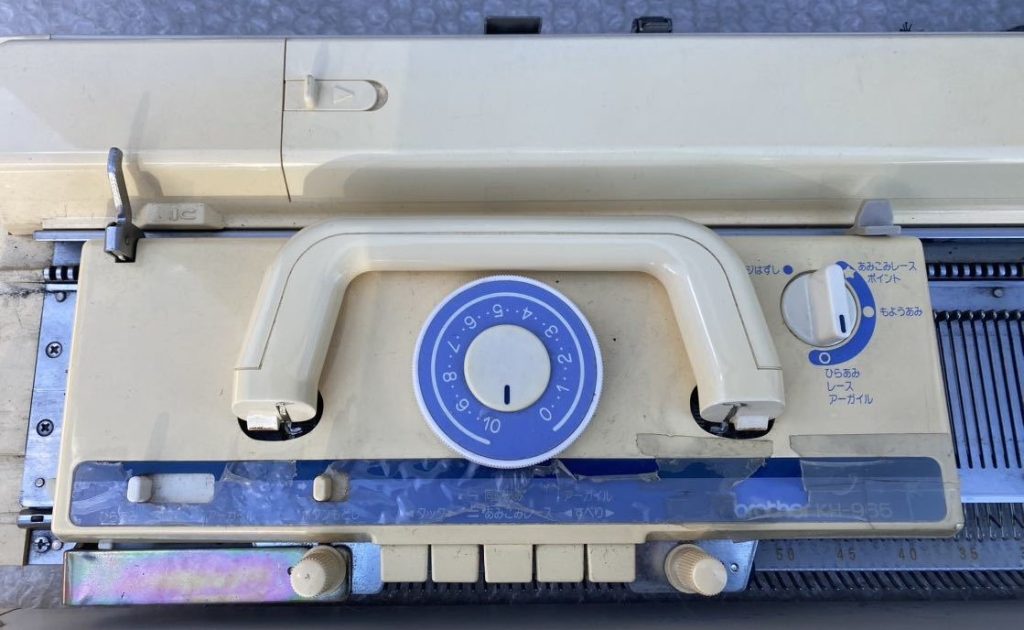
The holding cam lever on the Brother KH965 carriage has three positions: N, H (for holding position/knitting) and I (for intarsia).

Brother KH965 is an updated and improved version of Brother KH930 and Brother KH940: KH965 has more preloaded patterns and more storage memory as well as protruding buttons on the control. A very distinct feature of KH965 is a slot to insert the PPD disks.
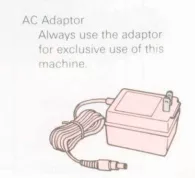
Additionally, Brother KH965 has a transformer-like power supply with a female connector. KH930 and KH940 have a different power supply setup. Brother FB100 and PPD use the same transformer.
Here is what the social media posts recommend doing to upload custom patterns to KH965:
- – connect the PPD to the computer to transfer files from DAK to the PPD;
- Follow the steps in the 965 manual to upload a pattern from the PPD to the machine.
- Then follow the steps to remove the PPD from the machine.
For other features, read the blogs dedicated to those machines (especially pros and cons of electronic Brother knitting machines).