Last Updated on September 1, 2026 by KM-nerd
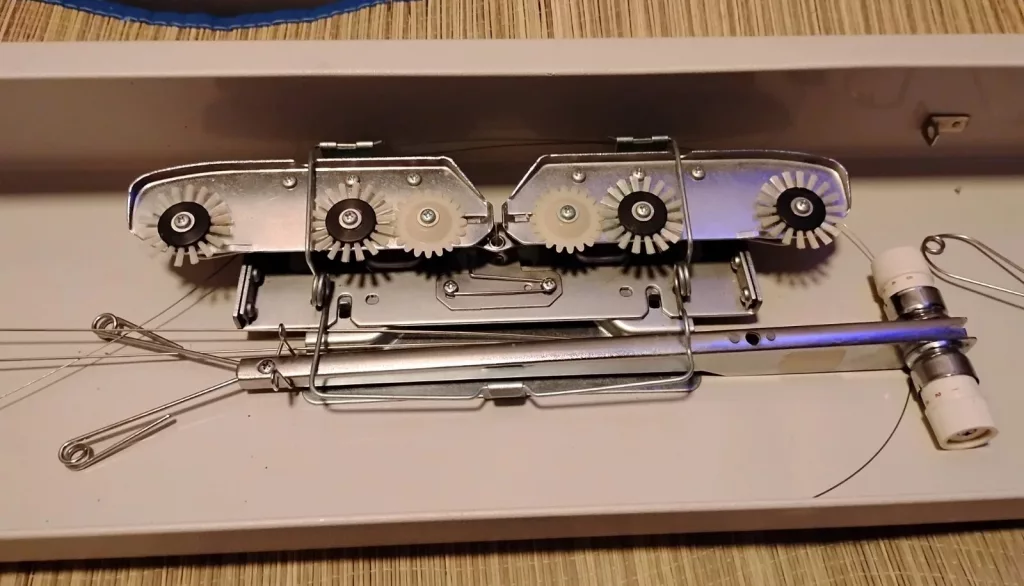
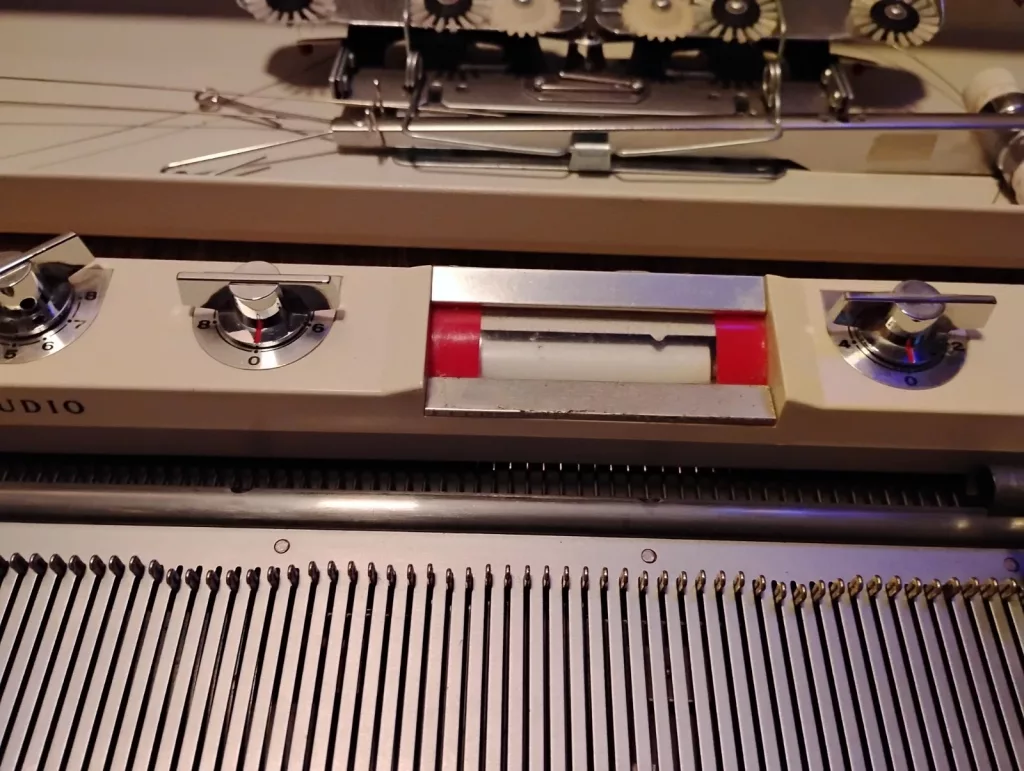
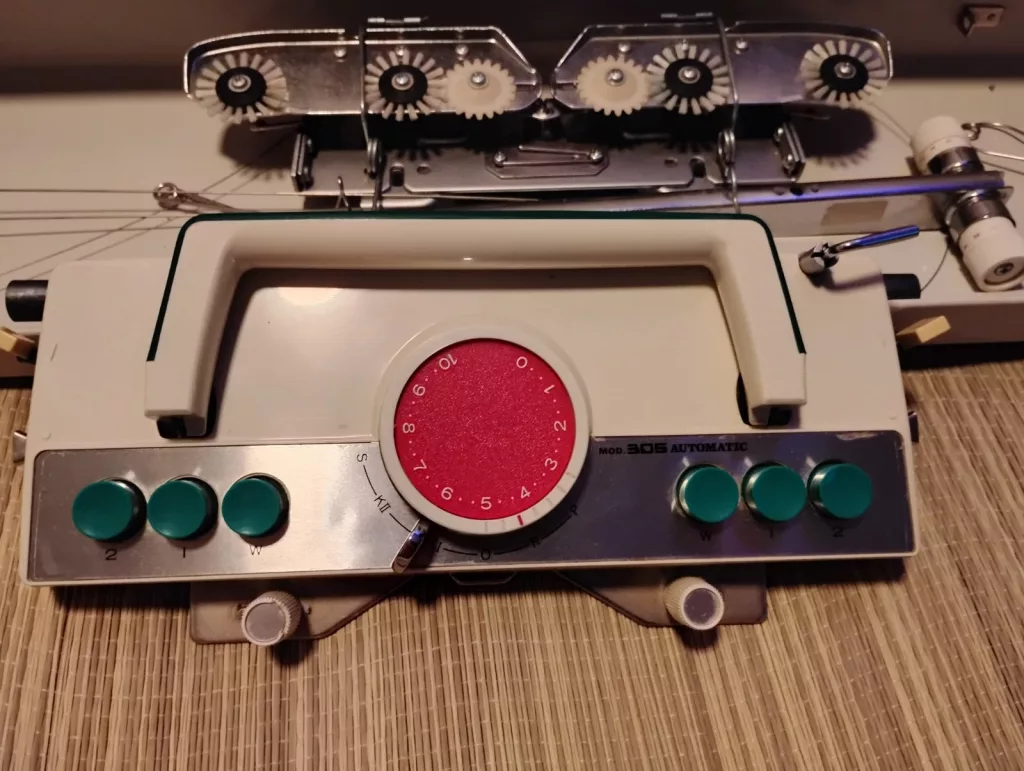
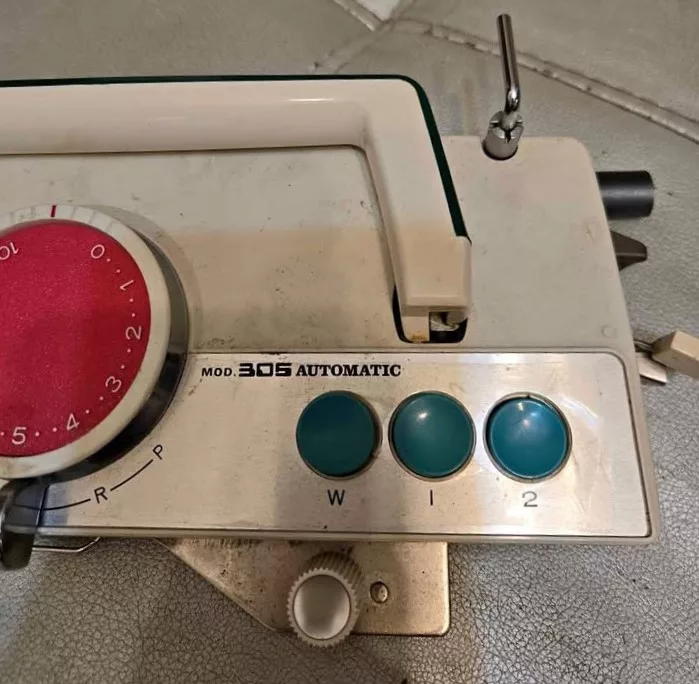
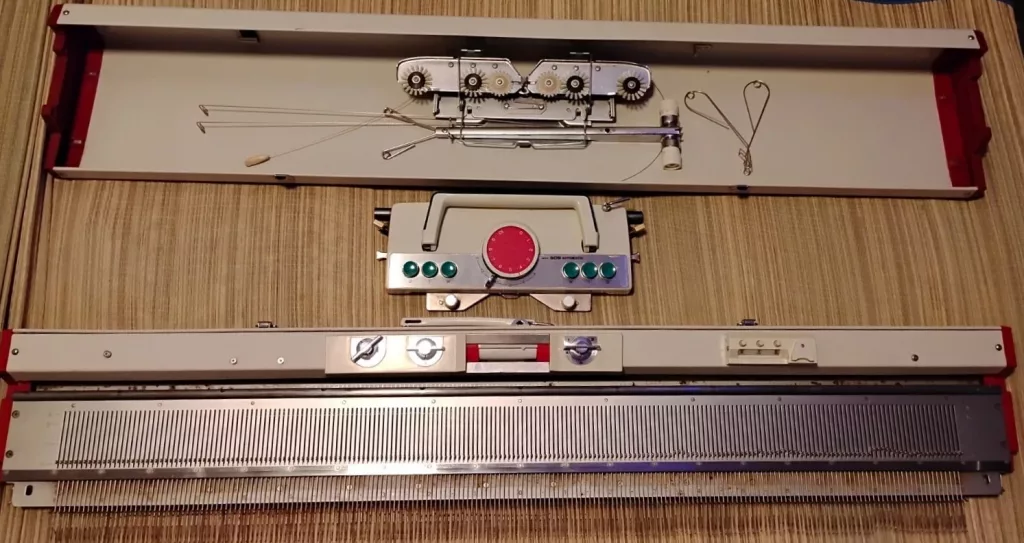
Studio mod. 305 Automatic knitting machine is a turn-knob model: the needle selection is governed by pushing the three knobs on the front panel. Studio mod. 305 is a standard-gauge knitting machine with 200 needles, 4.5 mm apart.
The turn-knob technology for a more automatic needle selection is somewhat similar to the Brother’s push-button machines. Although it seems that the turn-knob machines offer a bit more diversity in needle selection, while Brother’s push-button machines offer a bit more straightforward (and more visual, in my opinion) approach in needle selection. Also, the ease of needle selection in Studio mod. 305 (versus Brother pushbutton machines) allows for various stitch manipulations. For example, I easily invented the lacy pattern below without too much effort (again, watch the video and the pattern description is coming soon). All, are, however, very robust machines with easy-to-fix mechanical components.
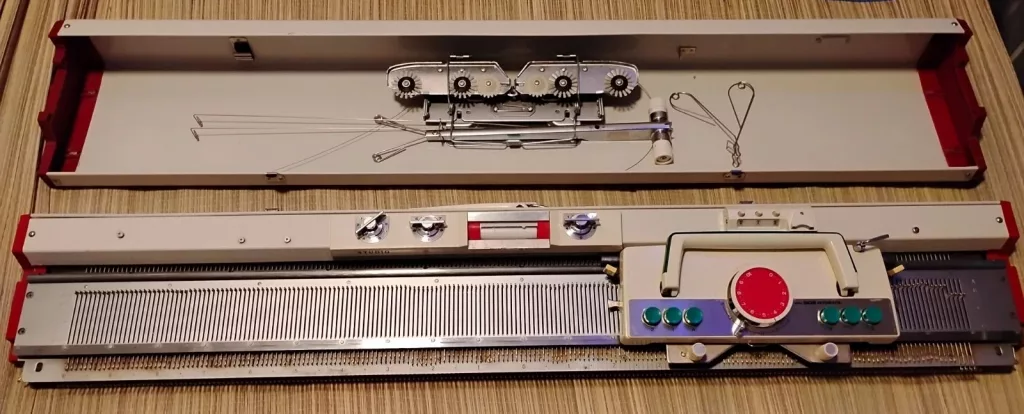
The same mechanism is in its earlier counterparts, Silver SK301, Silver SK302, and Silver SK303, Silver SK305, as well as Studio SK301, Studio SK303 and Empisal Knitmaster mod. 305 together with Knitmaster ES302. Thus, also read the corresponding articles with all the pros and cons of these turn-knob vintage knitting machines.
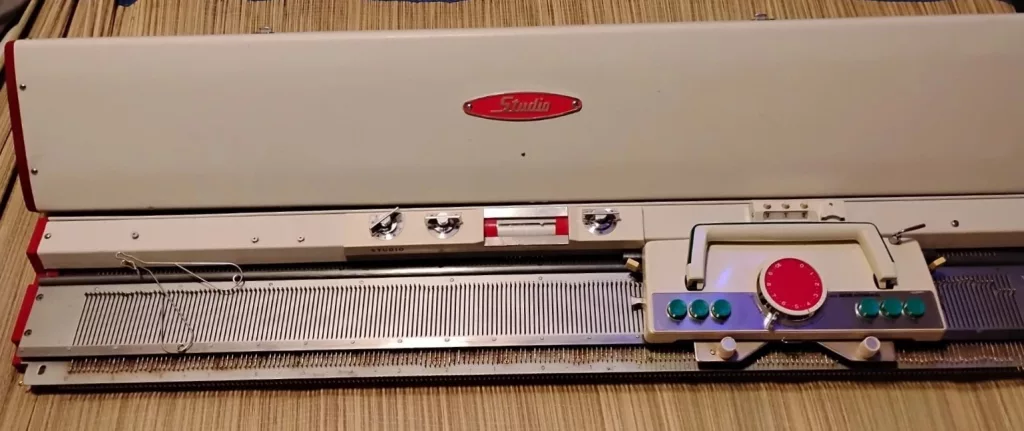
Unlike its earlier counterparts, models SK301 and SK302, Studio mod. 305 has round knobs on the carriage (not pushbuttons). Additionally, there is only a static display showing the needle selection as a function of the turn-knobs combinations.
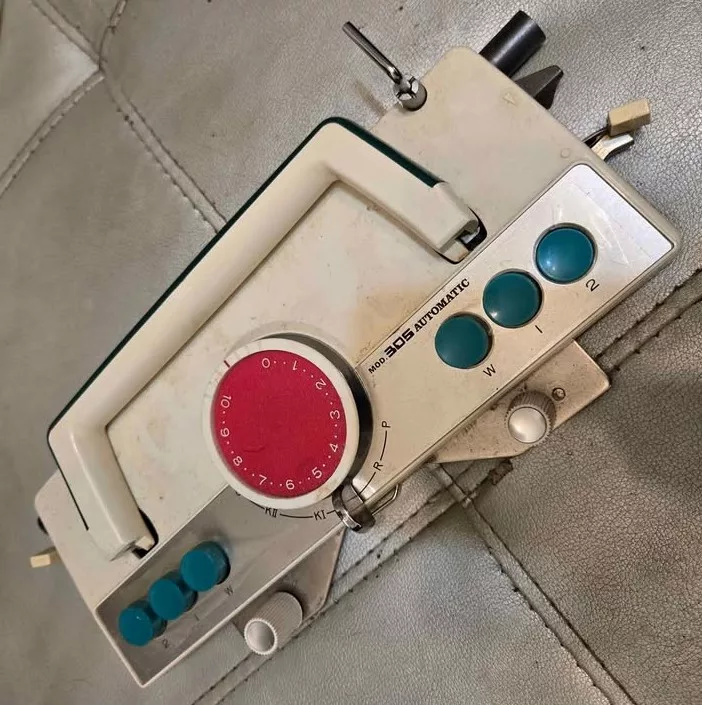
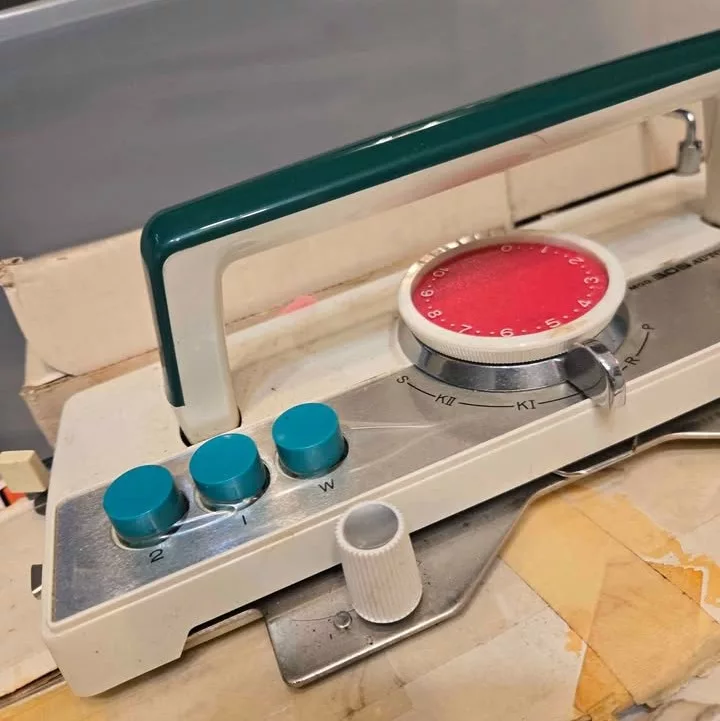
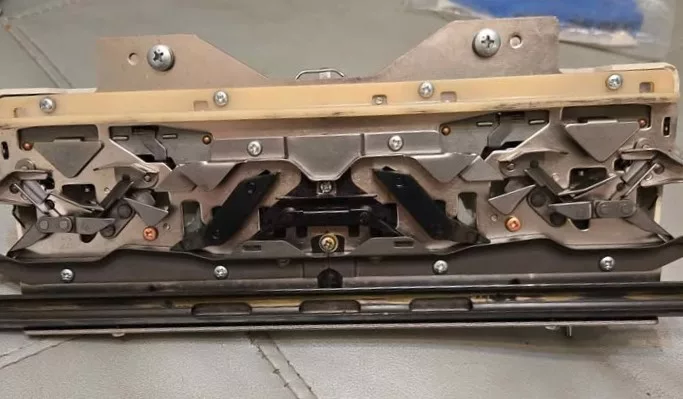
While turn buttons control which needles get selected, the radio knobs knobs on the carriage, together with the slide lever (on the back of the carriage with “pick” and “knit” indicators) and the russel levers (on the side of the carriage) allow knitters to easily knit various patterns.
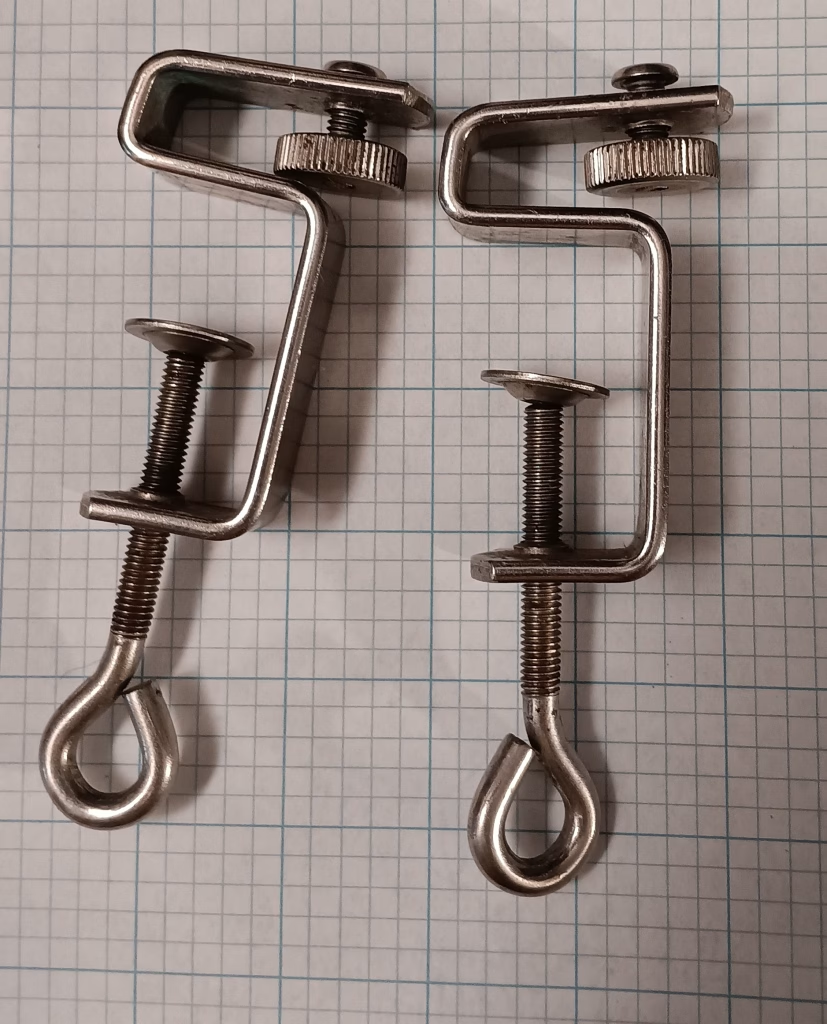
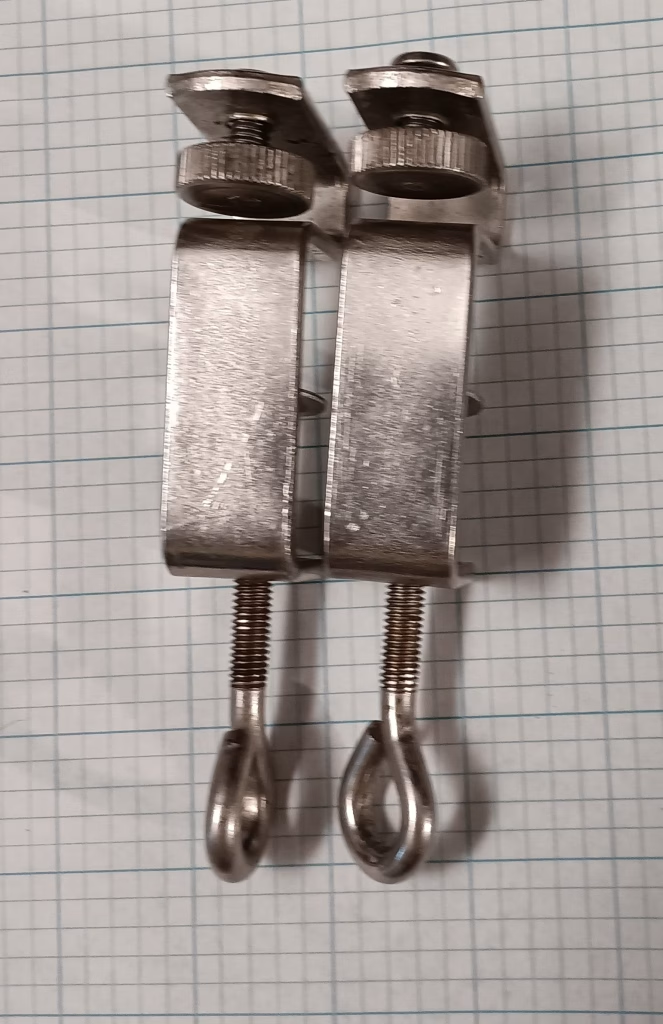
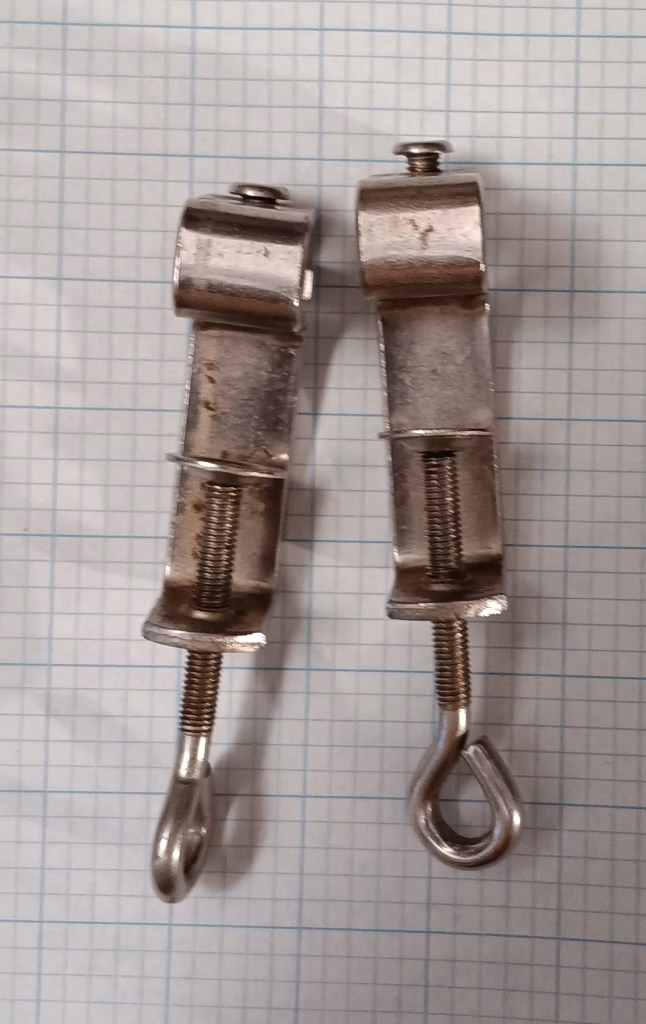
The table clamps are also vintage: S-shaped. They are quite special (the shapes are shown below), but I feel that if the machine is used by itself (without a ribber) any S-shaped table clamps should work if your machine came without those.
Another improved feature of the Empisal KniMaster mod. 305 in comparison to its older sisters is a more modern row counter – it is no longer a round-display clip-on counter. This type of row counter can even be purchased today, for example, in my Etsy store. Thus, the models with the number “305” in them are understandably improved models.
Ribbers were available (still researching which ones). It is possible that color changers could also be used with Studio mod. 305. In fact, I checked and the connecting arm from YC1 would fit the carriage of Studio mod. 305.
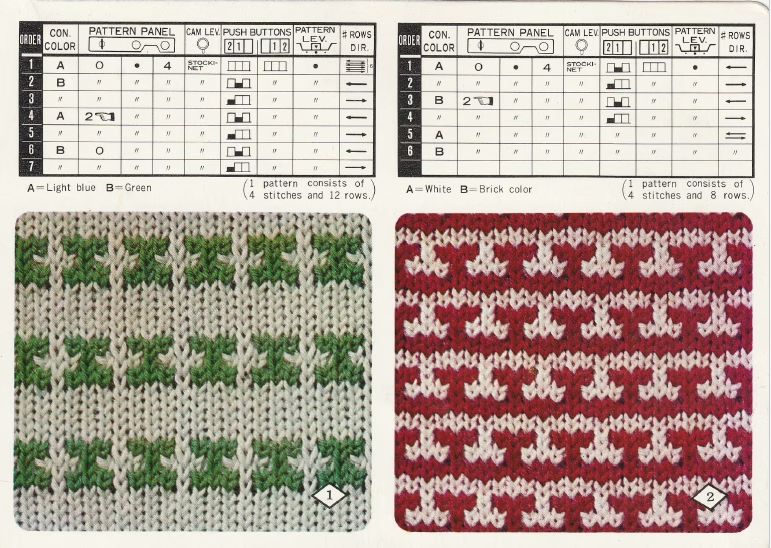
The machine also comes with pattern cards, which show turn-knob positions and position changes to knit patterns. If your machine did not come with these cards, their PDFs (scanned from the original copies) can be found online for free (the same website that posts all the manuals – sorry, I get penalized by my website if I post too many external links).
These cards are very easy to read: they clearly show the positions of all three turn-knobs.
PROS:
- The bed is narrow, which makes the machine lightweight and compact
- The machine is all mechanical; thus easy to fix if something breaks or if the machine needs deep cleaning. It is also very easy to remove the machine from its case.
- End caps are easy to remove from the needlebed and are attached to the main bed by metal hardware
- Manual and pattern cards are available online for free
- sturdy end caps
- no patterning drums to get stuck/freeze, or yarn to tangle around
- a huge variety of patterns to work with; easy to custom-create patterns
- excellent for beginning knitters and for those who transition to machine knitting and are not (quite yet) willing to give up the satisfaction of hand manipulation of stitches.
- 2-color fair isle is relatively easy to perform
- No ratchet tool is required to move the needles forward (like in Brother push-button machines)
- It is significantly faster to perform needle selection than manually and than the Brother pushbutton knitting machines (which involves the lever movement every time the needles need to be brought forward)
- ribbers were available to convert Studio SK303 into a double-bed machine
- needle selection pattern versus turn knob combinations is shown on the front panel: no need to constantly refer to the manual
- row counter is of a more modern design; easy to replace
CONS:
- replacement needles might be hard to get. However, the needles are similar in length to the needles for standard Silver/Studio/Silver Reed/Singer ribbers. I am checking soon whether they are indeed compatible.
- figuring out all the knobs and buttons and their combo might be a steep learning curve for some. But once your get a hang of it, it is simpler (less motions involved) to select needles than on machines with pushbutton patterning center.
- 2-color fair isle requires manual layover of the yarn on the needles. It feels a little bit like weaving. But it also eliminates problems with two-thread friction and tangling.
- Somewhat limited patterning capabilities: manual needle selection is needed for complex patterns and patterns with more than 8 needle repetition
- . Colored fair isle requires manual yarn manipulation (the knitter will need to lay the yarn onto the needles with open latches; might seem tedious on larger projects but makes it easy to knit single motif patterns)
- limited number of add-ons: only ribber (no knit leaders, no color changers, no lace carriages, etc).
- Replacement parts (row counter, sinker plate) might be hard to find if the machine came without them. Only some parts are interchangeable with similar turn-knob models.